

Accept payments from over 432 million PayPal wallet users globally. This payment method seamlessly integrates the PayPal checkout experience into your application.
This payment method only supports one-time (non-recurring) payments.

Payment flow

Several steps occur between collecting the customer’s PayPal information and completing the charge.
We’ll proceed assuming you’ve already set up a customer order. If you need to create one, you’ll find the steps here.
After creating the order, you need to follow these steps to complete the PayPal charge.
  1. Collect the customer’s PayPal information.
  2. Encrypt sensitive data within your request.
  3. Redirect the customer to the PayPal checkout page to authorize the charge.
  4. Confirm the payment and inform the customer of its outcome.

Collecting the Customer’s PayPal Information

Present the customer with a secure form to gather their card details. These details are crucial for initiating the transaction and consist of:
Customer informationParameterExampleRequired
Customer Namecard.billingAddress.customerNameRoosevelt SmartYes
House Numbercard.billingAddress.HouseNumber27Yes
Streetcard.billingAddress.street58 Blatchington RdYes
Citycard.billingAddress.cityHoveYes
Statecard.billingAddress.stateEast SussexYes
Countrycard.billingAddress.countryGBYes
Zip codecard.billingAddress.zipCodeBN3 3YHYes
Phone Numbercard.billingAddress.PhoneNumber+4467465466745Yes
Combine the card data, order reference, paymentoption, and the customer’s country. Encrypt the request before sending it to the pay order endpoint.
{
   "reference":"40cac2b6-6793-489a-8c96-c97a18b3c58a",
   "paymentoption":"PAYPAL",
   "card":{
      "billingAddress":{
         "customerName":"Roosevelt Schinner",
         "street":"311 Sophie Mountains",
         "HouseNumber":"67",
         "city":"london",
         "country":"GB",
         "state":"LD",
         "zipCode":"KJ1 4RL",
         "PhoneNumber":"+4467465466745"
      }
   }
}
Upon receiving your request, we will return a successful response containing a redirect URL for the PayPal checkout page.
200 OK
{
    "data": {
        "paymentDetail": {
            "redirectUrl": "https://www.payit123.com/clients/pp_paypal/3ds_validation.php?hash=aHR0cHM6Ly9hcHAtc2FuZGJveC5wYXltYXhpcy5jb20vcGF5bWVudC84ZDY0ZjQxYzE2OTQ0MTljOTlmYjQzNjViNDJiZjRkOA==&client=pp_paypal&invoiceNumber=EPCMMM3VK19CDKX92TAJ5OJ1BM&redirect=",
            "recipientAccount": null,
            "paymentReference": "CP1B3F264C-8DB1-47C1-A50E-6494FB927D51"
        },
        "bankTransferDetails": null,
        "orderPayment": {
            "orderId": 628,
            "orderPaymentReference": "PGW-PAYREF-CFE5A0D0D31B4E54AABAAD89F123F422",
            "currency": "USD",
            "statusId": 2,
            "orderPaymentResponseCode": "02",
            "orderPaymentResponseMessage": "pending-authenticaion",
            "orderPaymentInstrument": null,
            "remarks": "Order payment initiated",
            "totalAmount": 100.00,
            "fee": 0.00
        }
    },
    "status": "success",
    "statusCode": "02",
    "message": "pending-authenticaion"
}

Authorizing the Payment

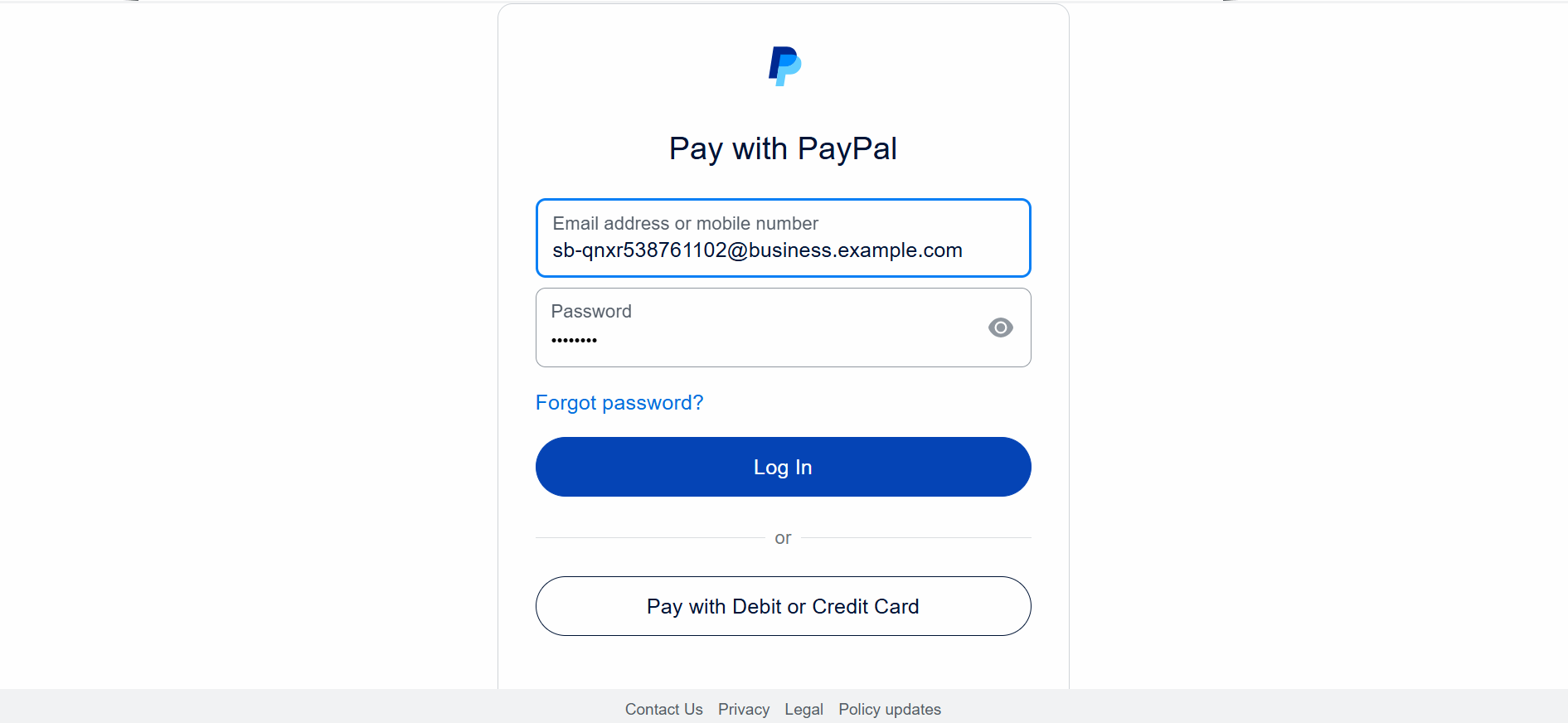
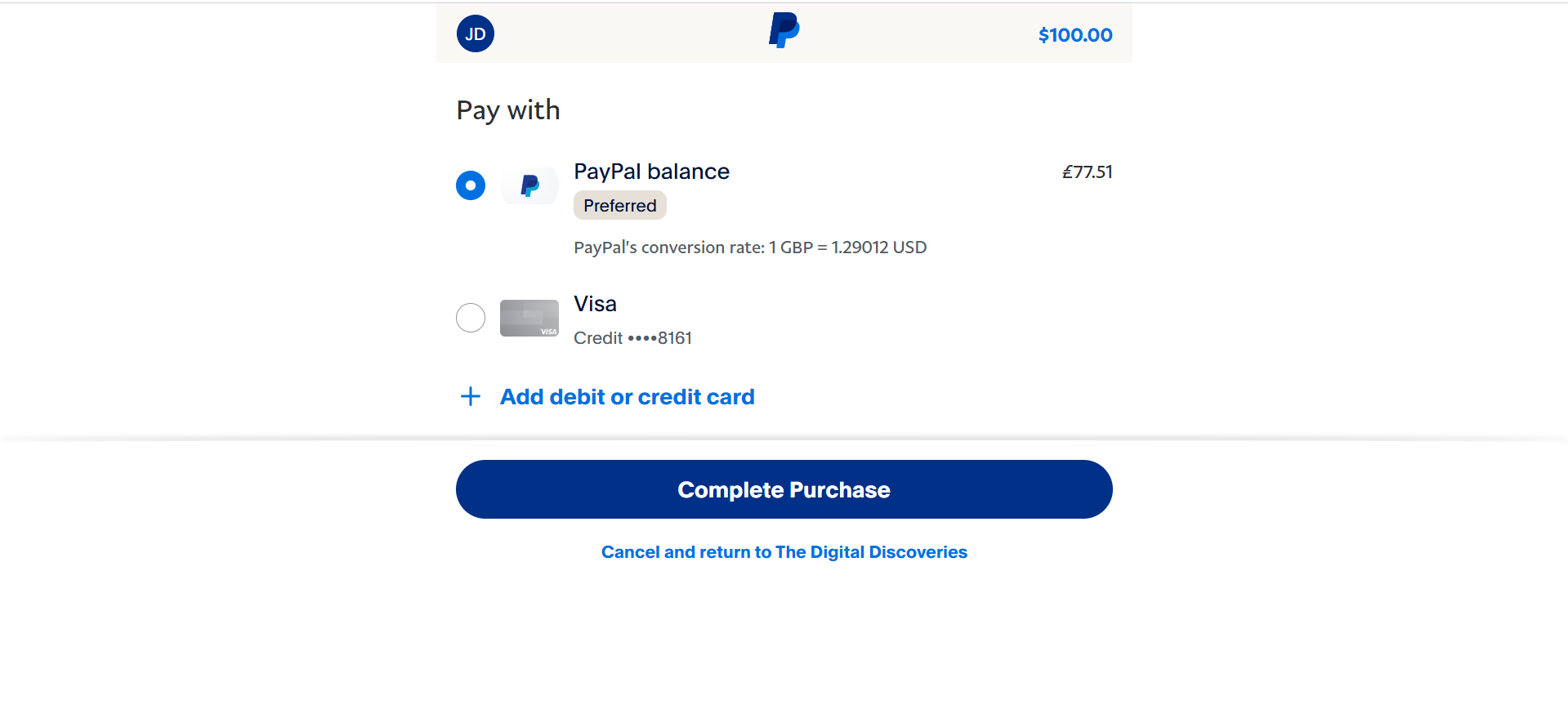
After redirecting the customer to the PayPal checkout page, they are presented with the login screen for their PayPal wallet. PayPal login screen Once successful, the Customer selects either their PayPal balance or linked card to complete the transaction. PayPal balance selection screen
Verifying the Payment

Read the transaction verification section to learn how to verify your PayPal transactions.

Testing your integration

Kindly contact the support team for test PayPal wallet credentials.
Follow these guidelines to successfully test your PayPal integration:
  1. Specify a minimum of USD 100 for your test transaction.
  2. Use 0@k.com as the customer’s email in your tests.